The "Good Enough" PC: Navigating the 2026 Memory Crisis Without Going Broke
Navigating the 2026 memory price surge requires a "good enough" hardware strategy. Learn why 32GB RAM and 12GB VRAM are the new sweet spots for AAA gaming without breaking the bank.

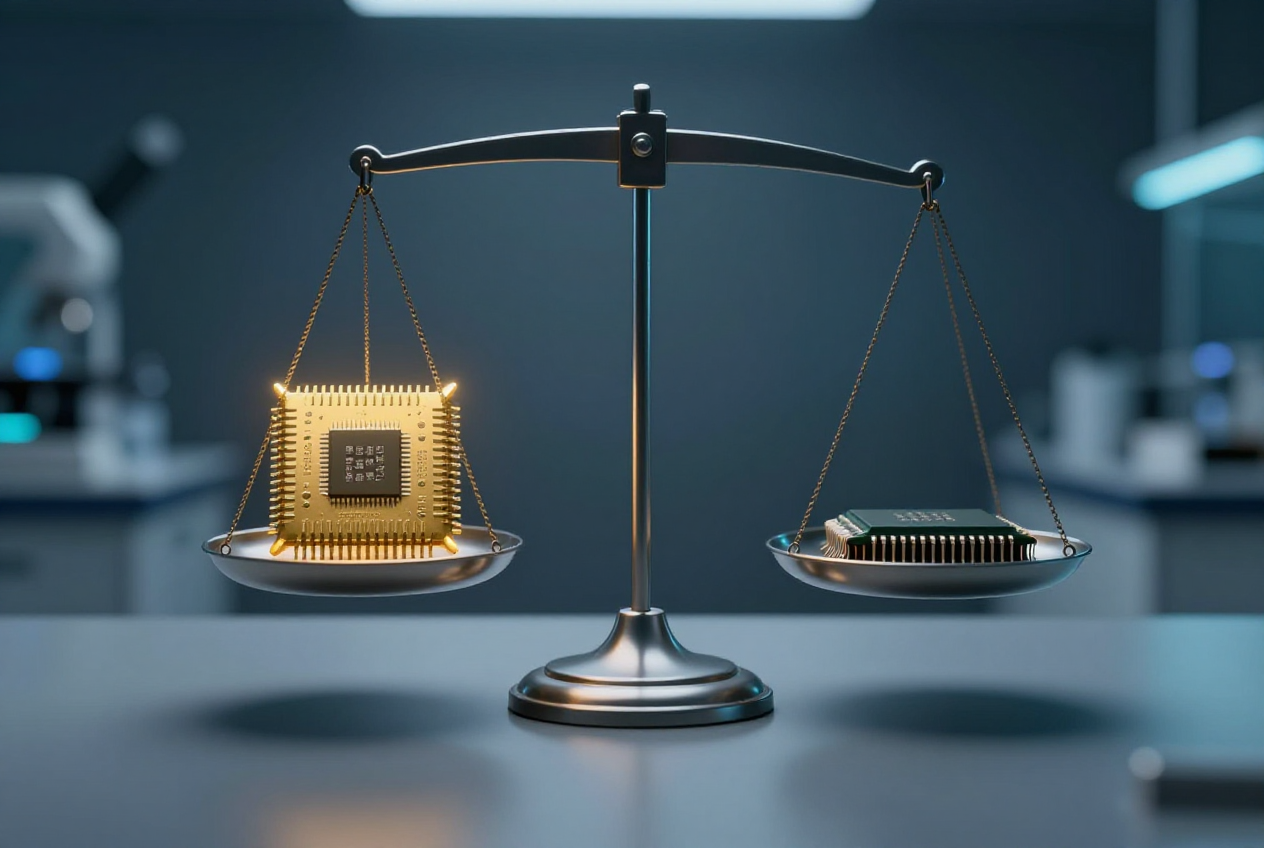
We’ve all seen the charts. Memory prices in 2026 haven't just climbed; they’ve pulled a vertical ascent that would make a Sherpa sweat. With 32GB DDR5 kits regularly clearing the $400 mark and NVMe drives following suit, the era of "just buy the best" is officially over.
But here’s the secret: for about 80% of us, the mid-tier is more than fine. We are at a point of diminishing returns where spending an extra $300 on a component might net you a 3% performance gain you literally cannot see without a benchmark overlay.
If you're building or upgrading this year, it’s time to embrace the "Good Enough" philosophy.
RAM: Finding the Capacity "Sweet Spot"
Memory is the biggest pain point right now. While frequency and latency matter, the first question most people ask is: How much do I actually need?
- The 16GB Trap: In 2026, 16GB is officially "too thin." Between modern OS overhead and memory-hungry browsers, 16GB leaves almost no breathing room for AAA games. Users are reporting frequent micro-stutters in titles like S.T.A.L.K.E.R. 2 when running on 16GB.
- The 32GB vs. 64GB Reality: 32GB is the current happy medium. It handles every modern game comfortably while allowing for background apps. 64GB is only "needed" if you’re doing heavy video editing, local AI model hosting, or extreme multitasking. For 95% of gamers, that extra $200 for 64GB is better spent elsewhere.
- Frequency vs. Latency: Don't chase 8000MHz. A 6000MT/s CL30 kit often feels snappier and provides better 1% low FPS than a 7200MT/s CL40 kit.
Storage: Don't Pay for Speeds You Can't Feel
PCIe Gen5 SSDs are here, boasting 14,000 MB/s speeds. They also cost as much as a budget GPU and require heatsinks the size of a candy bar.
- The Reality Check: In real-world gaming tests, the difference in load times between a Gen3 NVMe and a Gen5 NVMe is often less than two seconds. Unless you are moving 100GB 8K video files daily, Gen5 is a waste of money.
- The HDD & SATA SSD: Surprisingly, for a secondary drive, a SATA SSD is still perfectly good. It’s plenty fast for your Steam library. However, the mechanical HDD is now for "cold storage" only—photos and backups. Do not run a modern game off an HDD; modern titles stream assets constantly, and a spinning platter simply can't keep up.
GPU: How Much VRAM is "Safe"?
Nvidia’s RTX 50-series has redefined the high end, but it’s also inflated the "entry-level" price tag.
- VRAM Benchmarks: Take a look at Cyberpunk 2077. At 1080p High settings, 8GB of VRAM is still "good enough." But the moment you flip on Ray Tracing or move to 1440p Ultra, you’ll see usage spike past 10GB. If you want to play at Ultra-Max settings with Path Tracing, 16GB is the new mandatory floor.
- The 5070 Ti vs. 5080 Dilemma: Both cards often ship with 16GB of VRAM, but the 5080 has significantly more CUDA cores and bandwidth. However, for 1440p gaming, the 5070 Ti is the "Good Enough" king. You're paying a massive premium for the 5080 just to gain a few frames at 4K.
- AMD’s Play: If you don't care about Ray Tracing, AMD is still the value champion. An RX 8000-series card often gives you more raw VRAM for $150 less than the Nvidia equivalent.
CPU: Do You Really Need 24 Cores?
We are in a "core war," but your favorite game doesn't care if you have 24 cores.
- Gaming: Higher clock speeds and cache (like AMD’s X3D tech) beat raw core count every time. An 8-core 9800X3D will smoke a 24-core heavyweight in gaming because games prioritize low-latency access over massive parallelization.
- The Verdict: If you’re gaming and have Discord and a browser open, a modern 8-core or 12-core chip is the "Good Enough" ceiling. Only spring for the 16+ core monsters if you are a professional content creator.
The "Affordable" 2026 Future-Proof Build
If you want a rig that will play AAA titles on High for the next few years without taking out a second mortgage, this is the blueprint:
CPU: Ryzen 7 9700X
RAM: 32GB DDR5-6000 (CL30)
GPU: RTX 5070 or RX 8800
Storage: 2TB PCIe Gen4 NVME
PSU: 750W Gold
The Bottom Line
In 2026, the best PC isn't the one with the highest numbers; it's the one that matches your actual monitor and workload. Don't let the memory price hikes bully you into overspending on "future-proofing" that will be obsolete before you even utilize it.